You can change your email password in Plesk through the following steps:
1. Log in to your Plesk account.
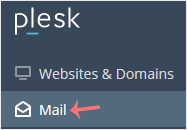
2. Click on Mail from the Sidebar Menu.
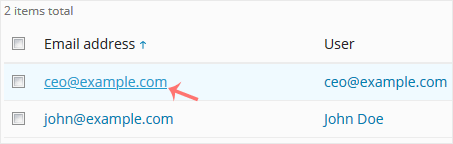
3. Under the email list, click the email account whose password you want to change.
4. In the Password field, enter a password or click on Generate to generate one. Click Show to display the password and then copy it.
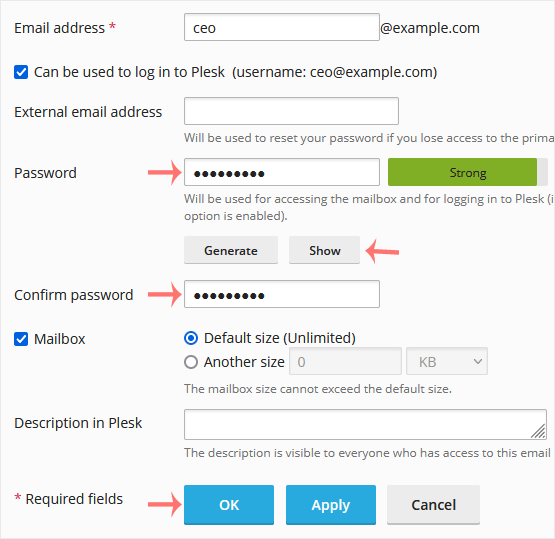
5. Click OK.
Bilgi bankasını detaylı olarak incelediniz, fakat ihtiyacınız olan bilgiyi bulamıyorsanız,
Bir Destek Talebi Oluşturun.



 Türkiye (Türkçe)
 Worldwide (English)